| Issue | Fix Version | Assignee | Priority | Status | Resolution | Resolved In Build |
|---|---|---|---|---|---|---|
| JDK-8176911 | 10 | Alexander Matveev | P2 | Resolved | Fixed | b03 |
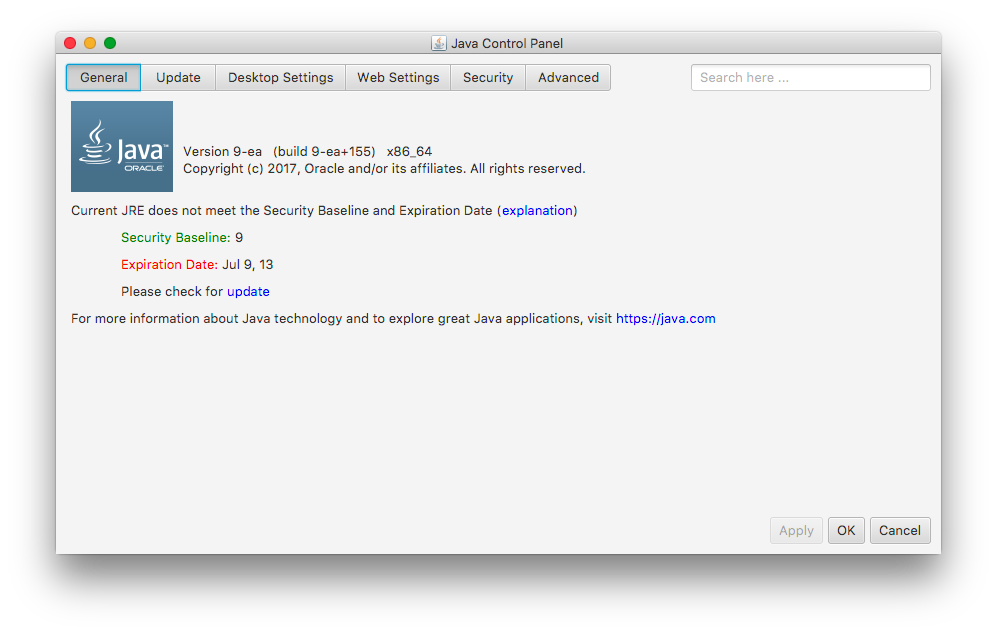
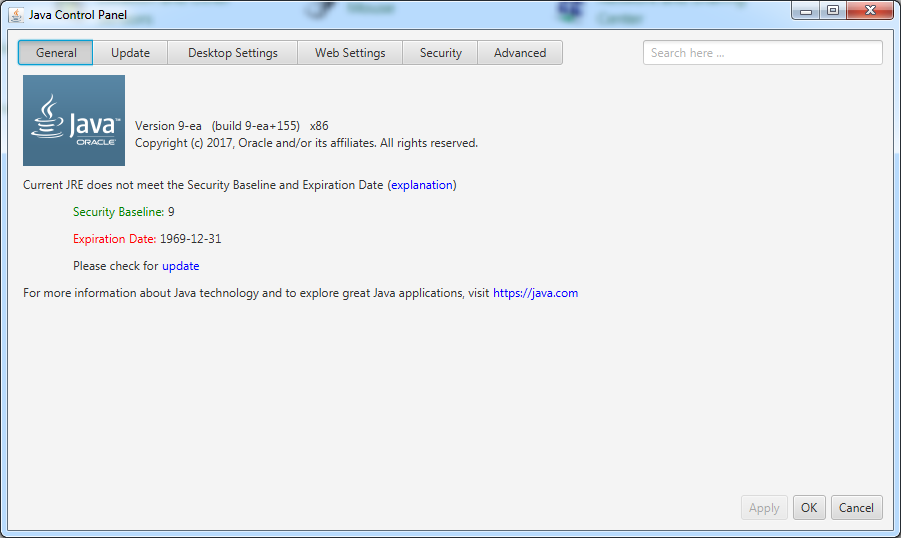
I just installed JDK 9 EA build 155, the most current build, and according to the control panel the version is "out of date" and has an expiration date of "Jul 9, 2013"
I thought the expiration date for EA builds was set to 2 week after they were created. Not sure if that rule has changed, it could also be the same expiration date as the current CPU -as it contains those same fixes- in any case, the expiration date for the current JDK 9 EA build should not be in 2013.
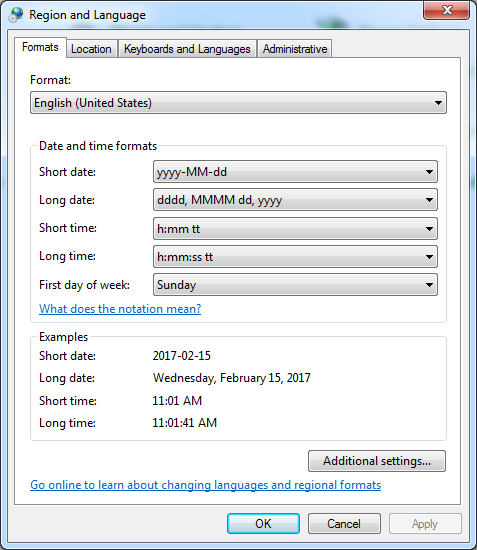
Also would be good to have a full year in the control panel. See attached image.
I thought the expiration date for EA builds was set to 2 week after they were created. Not sure if that rule has changed, it could also be the same expiration date as the current CPU -as it contains those same fixes- in any case, the expiration date for the current JDK 9 EA build should not be in 2013.
Also would be good to have a full year in the control panel. See attached image.
- backported by
-
JDK-8176911 Incorrect expiration date for JDK 9 EA build 155
-

- Resolved
-
- relates to
-
JDK-8174779 Locale issues with Mac 10.12
-

- Resolved
-