P4
P4
A DESCRIPTION OF THE PROBLEM :
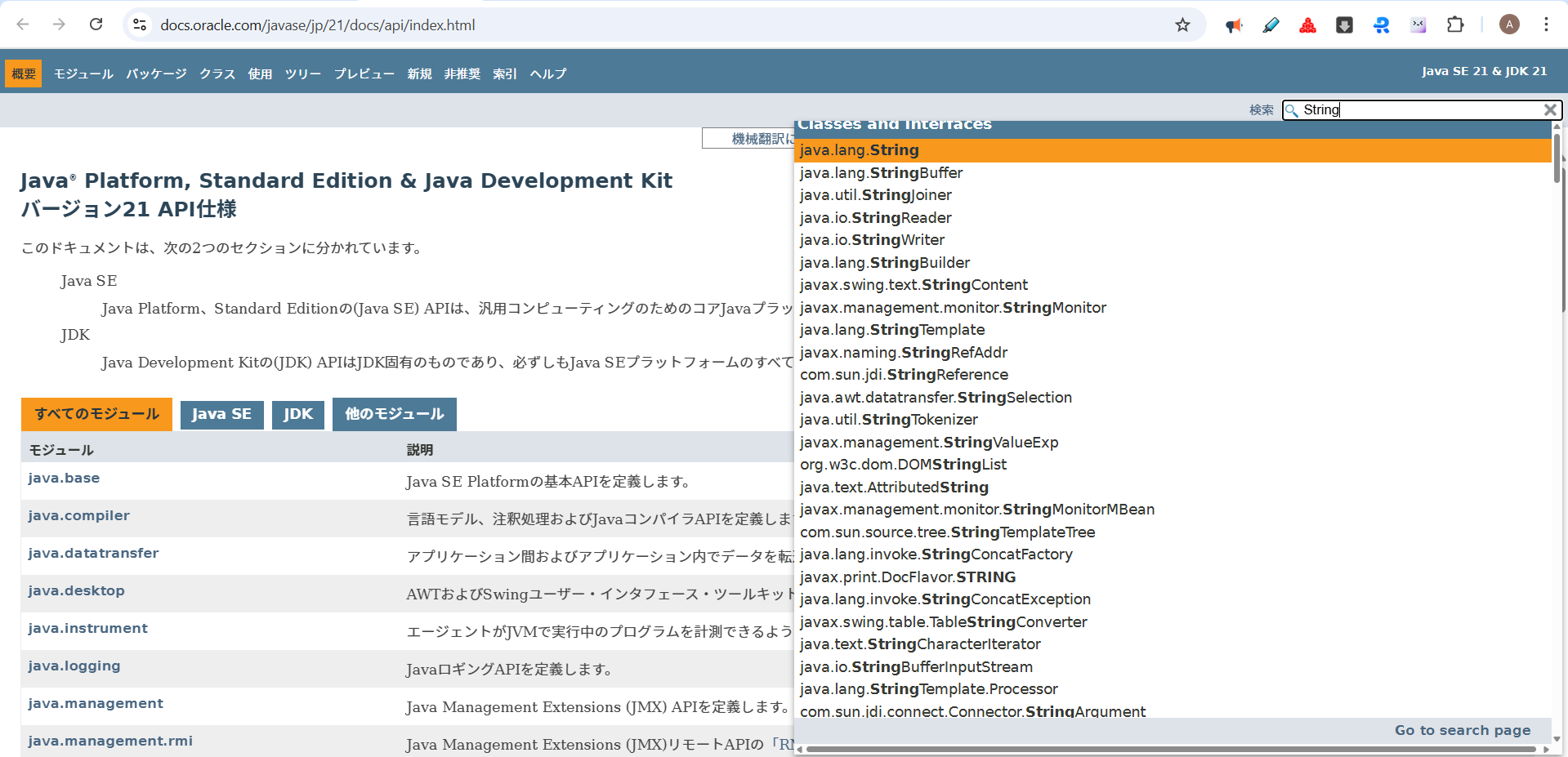
The search input field on the API Reference page is currently unusable because it has the disabled HTML attribute applied.
https://docs.oracle.com/javase/jp/21/docs/api/index.html
Users are unable to enter any search keywords, which prevents them from quickly locating specific functions, classes, or documentation sections. This severely hinders navigation and the utility of the API reference.
STEPS TO FOLLOW TO REPRODUCE THE PROBLEM :
1. Navigate to the API Reference page:
https://docs.oracle.com/javase/jp/21/docs/api/index.html
2. Locate the search input field (usually found at the top or in the sidebar).
3. Attempt to click or type into the search field.
EXPECTED VERSUS ACTUAL BEHAVIOR :
EXPECTED -
The search field should be active, allowing the user to type in keywords and filter the reference documentation in real-time.
The search input field on the API Reference page is currently unusable because it has the disabled HTML attribute applied.
https://docs.oracle.com/javase/jp/21/docs/api/index.html
Users are unable to enter any search keywords, which prevents them from quickly locating specific functions, classes, or documentation sections. This severely hinders navigation and the utility of the API reference.
STEPS TO FOLLOW TO REPRODUCE THE PROBLEM :
1. Navigate to the API Reference page:
https://docs.oracle.com/javase/jp/21/docs/api/index.html
2. Locate the search input field (usually found at the top or in the sidebar).
3. Attempt to click or type into the search field.
EXPECTED VERSUS ACTUAL BEHAVIOR :
EXPECTED -
The search field should be active, allowing the user to type in keywords and filter the reference documentation in real-time.